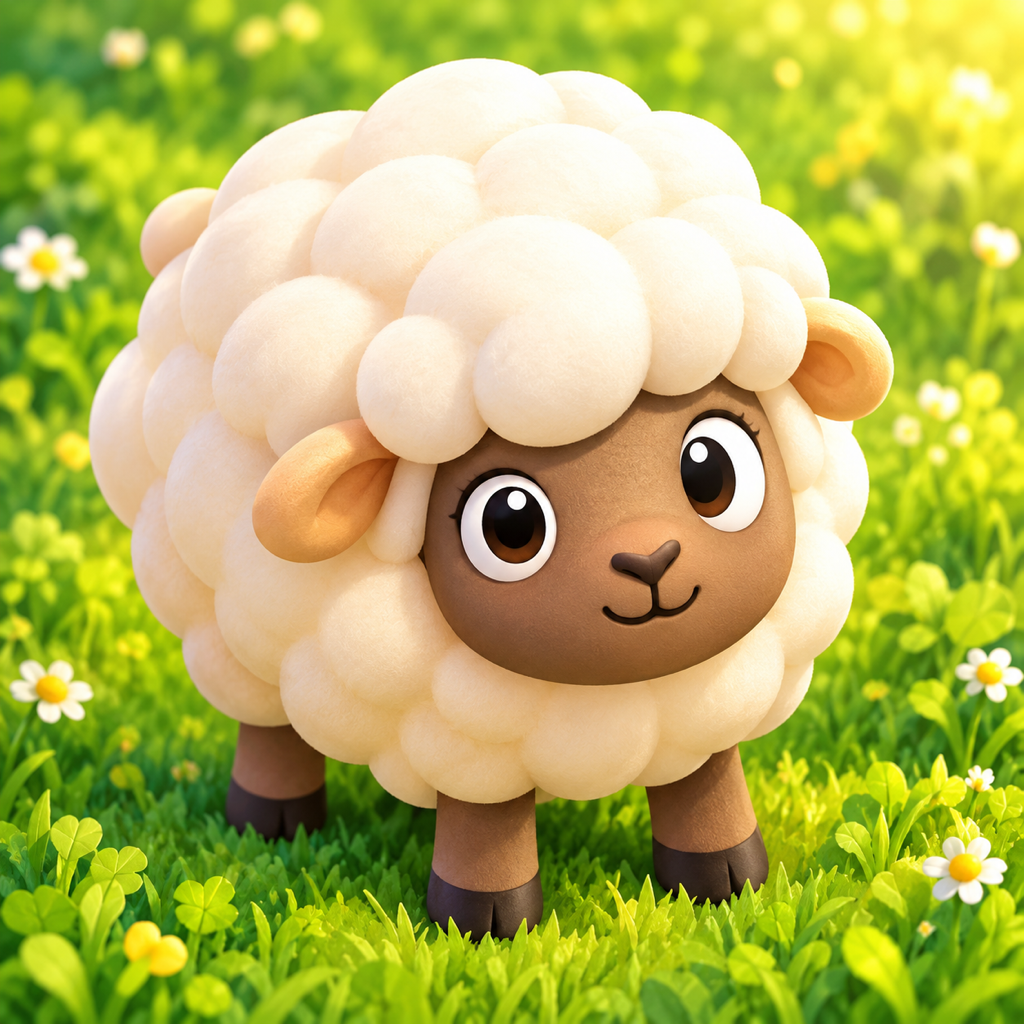
A helping hoof
A little stuck?
Ewe got this.
Find your feet in the pasture, get Donkey into position, and bring the flock safely home.
First things first
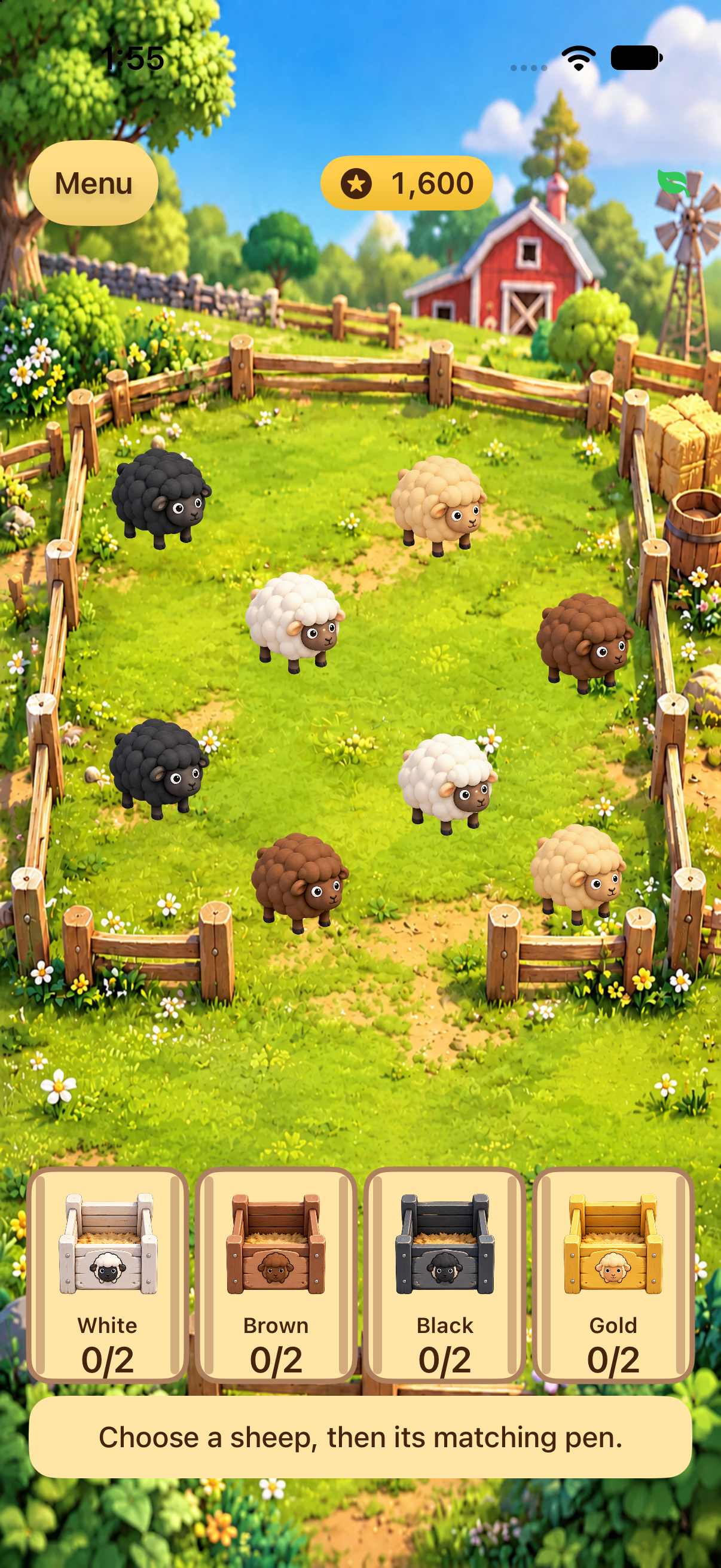
Tap. Match.
Make a little room.
- Tap a sheep. Select the one you want to bring home.
- Tap its matching pen. White, brown, black, or gold—the fleece and pen should match.
- Clear sheep in front. If the route is blocked, sort the blocking sheep first, then try again.
Every sheep home unlocks the next pasture. On the home screen, Continue picks up your current level; the level buttons let you replay unlocked pastures.
Donkey’s field guide
A little closer,
a lot more helpful.
Drag Donkey beside the wolf, between the wolf and the sheep’s route. When the game confirms he’s guarding, send a sheep to its matching pen.
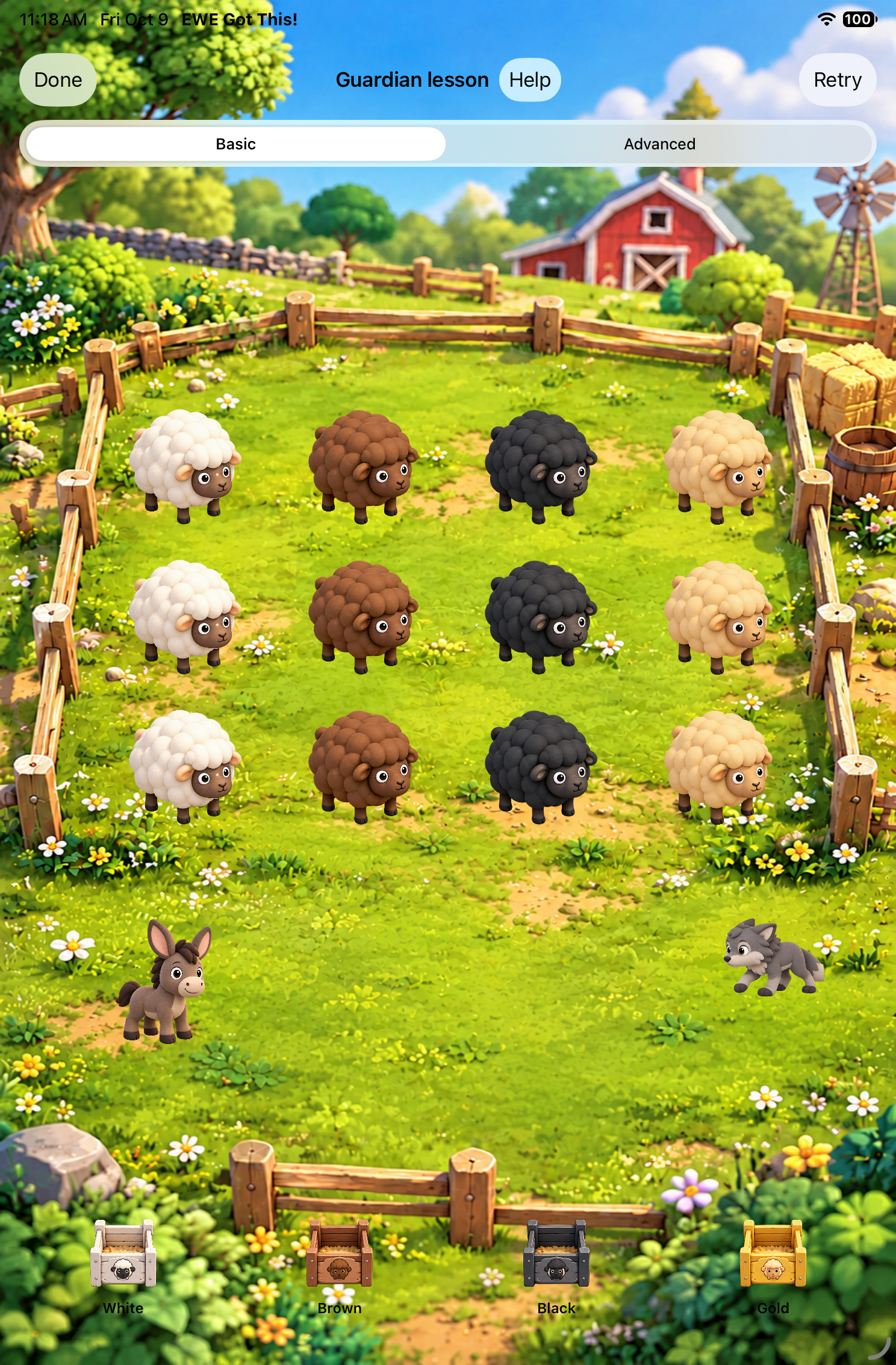 1 Drag Donkey over
Bring Donkey beside him.
Move Donkey near the wolf to protect the route. If a sheep is still blocked, check Donkey’s position and clear any sheep in front.
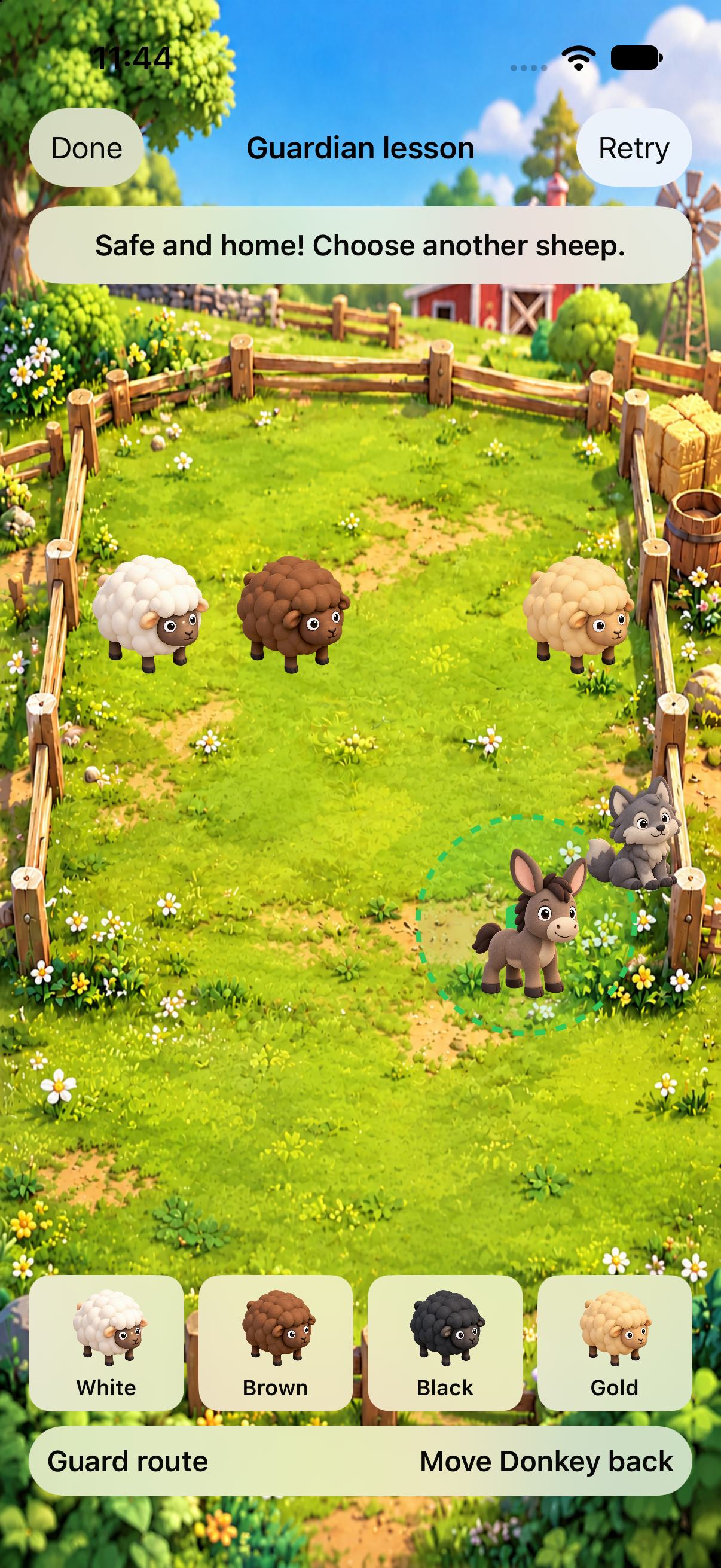 2 Donkey is guarding
Now match your sheep.
While Donkey guards nearby, send the sheep to their matching pens. If the wolf moves to a new spot, reposition Donkey and keep going.
These are actual screenshots from earlier private gameplay, with website callouts added above them. The second image is cropped to focus on Donkey guarding beside the wolf, without stretching it. Review controls and visual hints in that build may differ from version 1.0 (13).
Back to the flock
Quick help.
How do I change the sound?
Open Menu. Sound effects and Music each have their own switch and volume slider. Tap Done to return to the game.
The sound is on, but I can’t hear it.
Check both Menu switches and sliders, your device volume, silent mode, and whether audio is playing through headphones or another connected output. The app uses an ambient audio session, so device sound settings matter.
Can I try a pasture again?
During play, open Menu → Try this level again. You can also choose an unlocked level on the home screen. Earned unlocks and best results are preserved when retrying.
What happens when the timer runs out?
Some sorting pastures have a countdown. If time runs out, retry that pasture. Previously earned stars and unlocks stay saved.
Where is my progress saved?
Progress and audio preferences are stored locally on your device. The current game has no game account or developer-run cloud save. Deleting the app may remove progress; offloading, backups, and restores depend on your device settings.
Before reinstalling, consider whether you need to preserve your local progress.
How do I remove ads?
Open Menu → Purchases and choose Remove Ads. It is an optional one-time purchase, US $2.99 for the initial US release. All pastures remain playable without buying it. Apple confirms the purchase and shows the price before you pay.
I already bought Remove Ads. How do I restore it?
Use the same Apple Account and open Menu → Restore Purchases. Keep an internet connection available. If verification fails, retry later; do not buy again just to troubleshoot. Restoring a purchase does not restore game progress deleted from the device.
What if an ad cannot load?
Continue playing. A failed ad or privacy check does not prevent you from playing the next pasture. Where required, advertising privacy choices are available in Menu.
Why can’t I download the game here yet?
The game is currently in private testing. The website will show the official public App Store link when it becomes available.
Check download status →Still need a helping hoof?
Let’s get ewe
back on track.
For help with EWE Got This or a privacy question, email jason@dovedigitalmedia.com. Include the app version, device model and pasture number if useful. The link opens your email app and does not automatically send a message or attach game data.
If no mail app is set up, copy jason@dovedigitalmedia.com into your preferred email service.
We use your email and message only to answer your request and resolve the issue. We keep correspondence while needed for the request or legal obligations. We accept deletion requests, subject to those obligations. We do not request passwords, payment-card details or unnecessary personal information about a child.
Game support by emailKeep these details handy
- Your app version and build number
- Your iPhone or iPad model and iOS version
- The pasture number and what you tried
- What you expected, and what happened instead
- An optional gameplay screenshot, with personal information removed; do not include a child’s personal details
These optional details can help us understand a problem. Before reinstalling, remember that your progress is saved on your device and may be removed when you delete the app.